
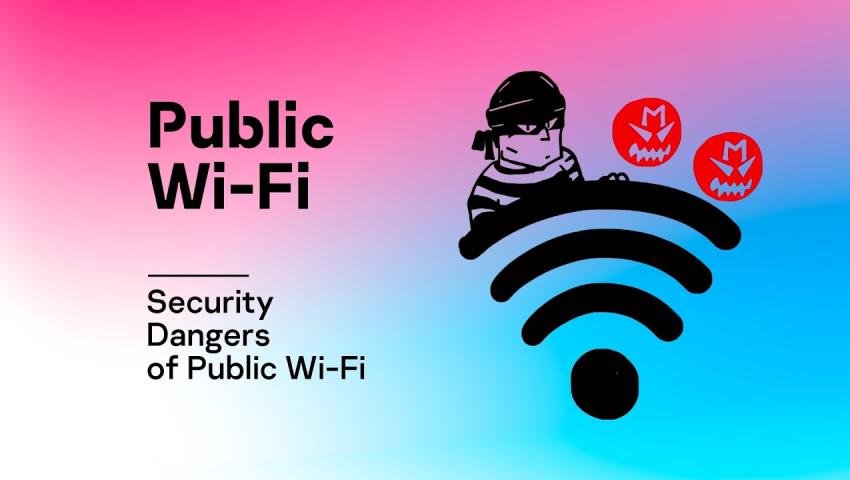
Public Wi-Fi Dangers in 2026: Why Free Internet Can Put Your Data at Risk
-
 By Mrityunjay Singh
 - BLOGS
- Apr 02, 2026
- 3 minutes read
- 155 Views
Free public Wi-Fi is everywhere—cafes, airports, hotels, and shopping malls. It’s convenient, fast, and saves mobile data.
But here’s the truth
👉 Public Wi-Fi is one of the most dangerous places for your personal data.
In 2026, cybercriminals are actively targeting users on open networks to steal:
- Passwords
- Banking details
- Personal information
In this guide, you’ll learn:
- Risks of public Wi-Fi
- How hackers attack
- How to stay completely safe
What is Public Wi-Fi?
Public Wi-Fi is a free or open internet connection available in public places.
Examples:
- Coffee shops
- Airports
- Hotels
- Malls
👉 Most of these networks are unsecured, meaning anyone can connect—including hackers.
Major Risks of Public Wi-Fi
1. Man-in-the-Middle (MITM) Attacks


Hackers secretly intercept communication between:
You ↔ Website
They can steal:
- Login credentials
- Emails
- Financial data
2. Fake Wi-Fi Hotspots (Evil Twin Attack)


Hackers create fake networks like:
- “Free Airport WiFi”
- “Cafe_Guest_Free”
👉 Once you connect, they monitor everything.
3. Malware Distribution
Hackers can inject:
- Viruses
- Spyware
- Ransomware
👉 Just by being connected to the same network.
4. Unencrypted Connections
If a website doesn’t use HTTPS:
👉 Your data is visible to attackers.
5. Data Snooping
Hackers can access:
- Shared files
- Device information
- Browsing activity
Signs a Public Wi-Fi is Dangerous
Watch for:
❌ No password required
❌ Suspicious network names
❌ Frequent disconnections
❌ Slow or unstable connection
❌ Login pop-ups asking for personal info
How to Stay Safe on Public Wi-Fi
1. Avoid Sensitive Activities
Never access:
- Banking apps
- Online payments
- Personal accounts
2. Use a VPN (Virtual Private Network)
✔ Encrypts your data
✔ Hides your activity
Makes it much harder for hackers to spy on you
3. Check HTTPS Websites
Always look for:
👉 Lock icon in browser
4. Turn Off Auto-Connect Wi-Fi
Prevents your device from connecting to unknown networks automatically.
5. Disable File Sharing
Stops others from accessing your device.
6. Use Mobile Data When Possible
Safer than public Wi-Fi for sensitive tasks
7. Keep Firewall & Antivirus ON
Adds an extra layer of protection.
What to Do If You Used Unsafe Wi-Fi
Step 1: Change Passwords Immediately
Start with email and banking
Step 2: Scan Your Device
Use antivirus to detect malware
Step 3: Monitor Your Accounts
Watch for suspicious activity
Step 4: Enable 2FA
Adds extra protection
Real-World Impact
- Millions of users affected yearly
- Banking fraud increasing
- Identity theft cases rising
Public Wi-Fi attacks are often silent and unnoticed
Future of Public Wi-Fi Security
- More fake hotspots
- AI-based network attacks
- Stronger encryption technologies
But risks will always exist in open networks.
Conclusion
Public Wi-Fi may be free—but it can cost you your privacy, money, and identity.
👉 Smart users follow one rule:
“If it’s public, it’s not secure.”
Mrityunjay Singh
Leave a comment
Your email address will not be published. Required fields are marked *