
I Clicked a Random Link… What Happened Next Will Shock You!
-
 By Mrityunjay Singh
 - BLOGS
- May 06, 2026
- 5 minutes read
- 171 Views
Clicked a random link? Discover what really happens after clicking a malicious link, how hackers steal your data, and how to stay safe in 2026.
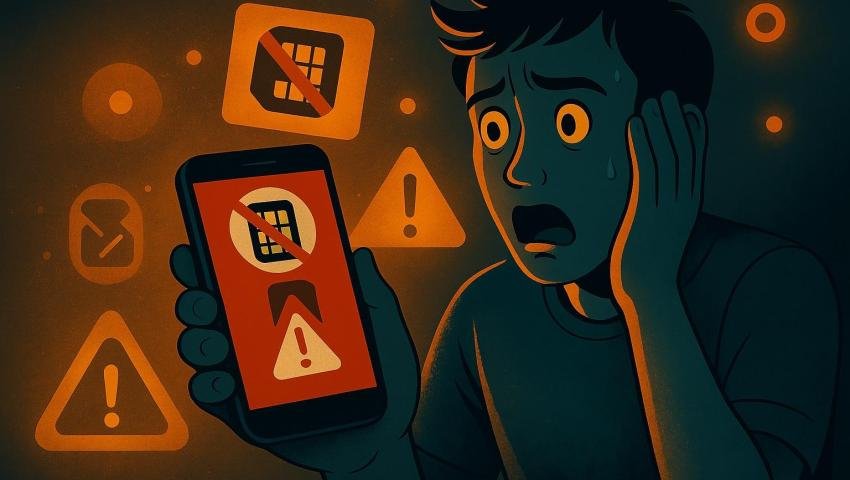
It started with a simple notification—something that looked urgent and important. A message popped up on the phone saying that an account needed immediate verification. Without thinking much, the link was opened. It looked genuine, the page design felt real, and there was no obvious sign of danger. But within minutes, things began to feel off. Strange login alerts appeared, emails started flooding in, and access to important accounts became unstable.
This is not just one person’s story. In 2026, this exact situation is happening to thousands of people every day. Cybercriminals no longer rely on complex hacking techniques alone—they rely on human psychology. A moment of urgency, fear, or curiosity is all it takes.
What Really Happens After Clicking a Malicious Link

When a malicious link is clicked, the consequences are often immediate but invisible. In many cases, the user is redirected to a fake login page that looks identical to a trusted platform. The moment login details are entered, they are instantly captured and sent to the attacker. The victim usually has no idea that their credentials have been stolen.
In other situations, the link may trigger a silent download. This could be spyware or malicious software that installs itself in the background without any clear warning. Once installed, it can monitor activity, collect sensitive data, and even track keystrokes. Over time, this information is used to gain deeper access into personal accounts, financial apps, and private communications.
Sometimes, the attack is less direct but equally dangerous. The link may simply connect the device to a tracking system that records behavior, location, and usage patterns. This data can later be used in more targeted attacks, making future scams even more convincing.
How the Situation Escalates

After the initial click, the effects begin to unfold quickly. Login alerts from unknown devices may start appearing. Password reset requests are triggered without permission. Emails and messages flood in, creating confusion and panic. In some cases, access to accounts is completely lost within minutes.
What makes this more dangerous is the speed at which attackers act. Once they gain access, they often change passwords, disable security features, and attempt to access connected accounts. If the same password is used across multiple platforms, the damage spreads rapidly—from social media to email, and even banking applications.
Warning Signs You Should Never Ignore


There are always signs, but they are often ignored until it’s too late. A sudden drop in battery performance, unexpected overheating, or the appearance of unknown apps can indicate that something is wrong. Frequent pop-up ads, unusual notifications, and random OTP requests are also strong warning signals.
Another major red flag is suspicious activity in accounts—such as messages sent without permission, login attempts from unknown locations, or changes in account settings. These signs should never be dismissed as minor glitches.
How to Protect Yourself in 2026

Protection starts with awareness. The most important habit is to avoid clicking on unknown or suspicious links, regardless of how urgent or real they appear. Verifying the source before taking any action can prevent most attacks.
Enabling two-factor authentication using tools like Google Authenticator adds a strong layer of security. Even if login details are compromised, unauthorized access can still be blocked.
Using built-in security systems such as Google Play Protect helps detect harmful apps and suspicious behavior. Keeping the device updated ensures that known vulnerabilities are patched, reducing the chances of exploitation.
Immediate Actions If You Clicked a Suspicious Link


If a suspicious link has already been opened, quick action is critical. Disconnecting from the internet can stop further data transmission. Changing passwords for all important accounts should be done immediately, especially for email and banking services.
Running a full security scan can help detect and remove malicious software. Monitoring financial transactions is equally important to catch any unauthorized activity early. If necessary, reporting the incident through the National Cyber Crime Portal India ensures proper action and support.
Why These Attacks Are Rising
Cyber attacks have evolved significantly in recent years. With the help of artificial intelligence, phishing messages are now more realistic and personalized. The rapid growth of digital payments and mobile usage has also made users more vulnerable.
Attackers are no longer targeting systems—they are targeting human behavior. Fear, urgency, and trust are being exploited more effectively than ever before.
Conclusion
A single click may seem harmless, but it can open the door to serious consequences. Personal data, financial information, and digital identity can all be compromised within minutes. The reality is simple—most cyber attacks succeed not because of advanced technology, but because of small human errors.
Staying alert, thinking before clicking, and following basic security practices can make all the difference. In today’s digital world, awareness is not optional—it is essential.
Mrityunjay Singh
Leave a comment
Your email address will not be published. Required fields are marked *