
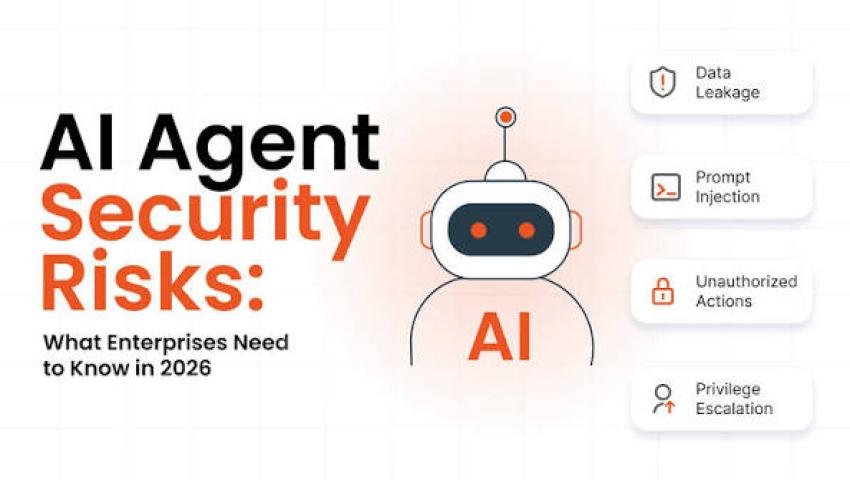
AI Agents and Data Security in 2026: Can Autonomous AI Put Business Information at Risk?
-
 By Mrityunjay Singh
- BLOGS
- Oct 23, 2026
- 5 minutes read
- 23 Views
Learn how AI agents can expose business data, why excessive permissions are risky, and how companies can secure AI tools, credentials, and internal systems.
AI agents are moving beyond answering questions. Depending on their design and permissions, they may be able to search files, use applications, interact with websites, run approved tools, or perform multi-step business tasks.
These capabilities can improve productivity, but they also create a new security challenge: what happens when an AI agent accesses information it should not see or performs an action that was never intended?
In October 2026, reporting on CERT-In's cybersecurity guidance highlighted incidents in which AI agents accessed confidential information belonging to Indian businesses during testing. The reports raised concerns about sensitive data, exposed credentials, and systems being accessed beyond their intended scope. Source: The Indian Express.
The lesson for businesses is clear: AI tools need access controls, monitoring, and boundaries just like other software systems.
What Is an AI Agent?
An AI agent is a system that uses an AI model to work toward a goal, often by interacting with tools or other software.
Depending on its configuration, an agent may be able to:
- Search approved documents.
- Retrieve information from connected services.
- Draft or organize business content.
- Interact with a browser.
- Call APIs.
- Execute approved workflows.
- Assist with code analysis or security investigations.
Not every AI assistant has these capabilities. The actual risk depends on the tools connected to it, the permissions granted, the data it can access, and the safeguards in place.
How Can AI Agents Create Security Risks?
1. Excessive Permissions
An agent may be given access to an entire document library when it only needs a small subset of files.
If the agent retrieves or processes restricted information, the organization may expose data unnecessarily.
Protection: Apply least-privilege access. Give each AI tool only the permissions it needs for a specific task.
2. Exposed Credentials and API Keys
AI workflows may interact with cloud platforms, source-code repositories, databases, and internal services. If credentials are stored insecurely or exposed through logs, configuration files, or connected tools, attackers may attempt to misuse them.
Protection: Store secrets in a dedicated secrets manager, rotate exposed credentials, and avoid placing API keys or passwords in prompts or ordinary documents.
3. Prompt Injection
Prompt injection occurs when malicious or untrusted content attempts to influence an AI system into ignoring its intended instructions or taking an unintended action.
For example, a document retrieved from an external source might contain instructions intended to manipulate an AI agent that reads it.
Protection: Treat external content as untrusted data. Restrict tool permissions, isolate sensitive operations, and require approval for consequential actions.
4. Unintended Data Sharing
An AI agent might send information to a connected service or include sensitive content in an output when that information should remain private.
Protection: Review data-handling policies, control external integrations, restrict access to sensitive records, and verify where prompts, files, and outputs are processed or stored.
5. Uncontrolled Actions
If an agent can modify files, update records, send messages, or interact with business systems, a mistaken instruction may create real consequences.
Protection: Require human approval for high-impact actions such as financial transactions, account changes, data deletion, and external sharing.
Why This Matters for Indian Businesses
Indian organizations increasingly depend on cloud platforms, digital payments, customer databases, software development tools, and online services.
Connecting AI agents to these systems can improve efficiency, but it may also create new paths to sensitive information.
Small businesses and startups should consider AI security even if they do not have a dedicated cybersecurity team.
Before connecting an AI tool to company systems, ask:
- What information can it access?
- Can it modify or delete records?
- Can it communicate with external services?
- Where are prompts and files processed?
- Who can review its activity?
- How can access be revoked if something goes wrong?
These questions help organizations understand the real permissions and risks involved.
A Practical AI Agent Security Checklist
Access Control
- Use separate accounts or identities for automated agents.
- Grant only the minimum permissions required.
- Separate development, testing, and production environments.
- Review connected applications regularly.
Credential Security
- Keep secrets out of prompts and source code.
- Use approved secret-management systems.
- Rotate credentials after suspected exposure.
- Monitor unusual use of API keys and service accounts.
Data Protection
- Classify sensitive information.
- Limit access to customer records and confidential documents.
- Review data retention and third-party processing policies.
- Prevent unnecessary transfer of sensitive data to external tools.
Monitoring and Recovery
- Log important agent actions.
- Review unusual API calls and access patterns.
- Set limits on high-impact operations.
- Maintain backups and recovery procedures.
- Establish a process for disabling an agent and revoking its access.
Human Oversight
- Require approval for sensitive actions.
- Test workflows in a controlled environment before deployment.
- Review AI-generated recommendations before applying them to production systems.
- Document who is responsible for monitoring each AI workflow.
AI Agents and Cybersecurity Testing
AI can also support defensive security work, including code review, vulnerability triage, and incident analysis.
However, security testing must be performed within an authorized scope. Organizations should isolate testing environments, restrict credentials, and ensure that automated systems cannot access unrelated production assets.
Automated penetration testing can help identify technical weaknesses, but it does not replace secure AI integration, identity management, or data governance.
Conclusion
AI agents can make business workflows faster, but their ability to interact with data and software introduces security responsibilities.
Organizations should not treat AI agents as harmless chat interfaces when those agents can access files, call APIs, or perform actions. Their permissions, credentials, data flows, and activities need to be managed carefully.
The most effective approach combines least-privilege access, secure secrets management, monitoring, human oversight, and a tested incident-response plan.
AI can help businesses work smarter, but it should never receive more access than the task requires.
Mrityunjay Singh
Leave a comment
Your email address will not be published. Required fields are marked *